Instructions Papervee Hub
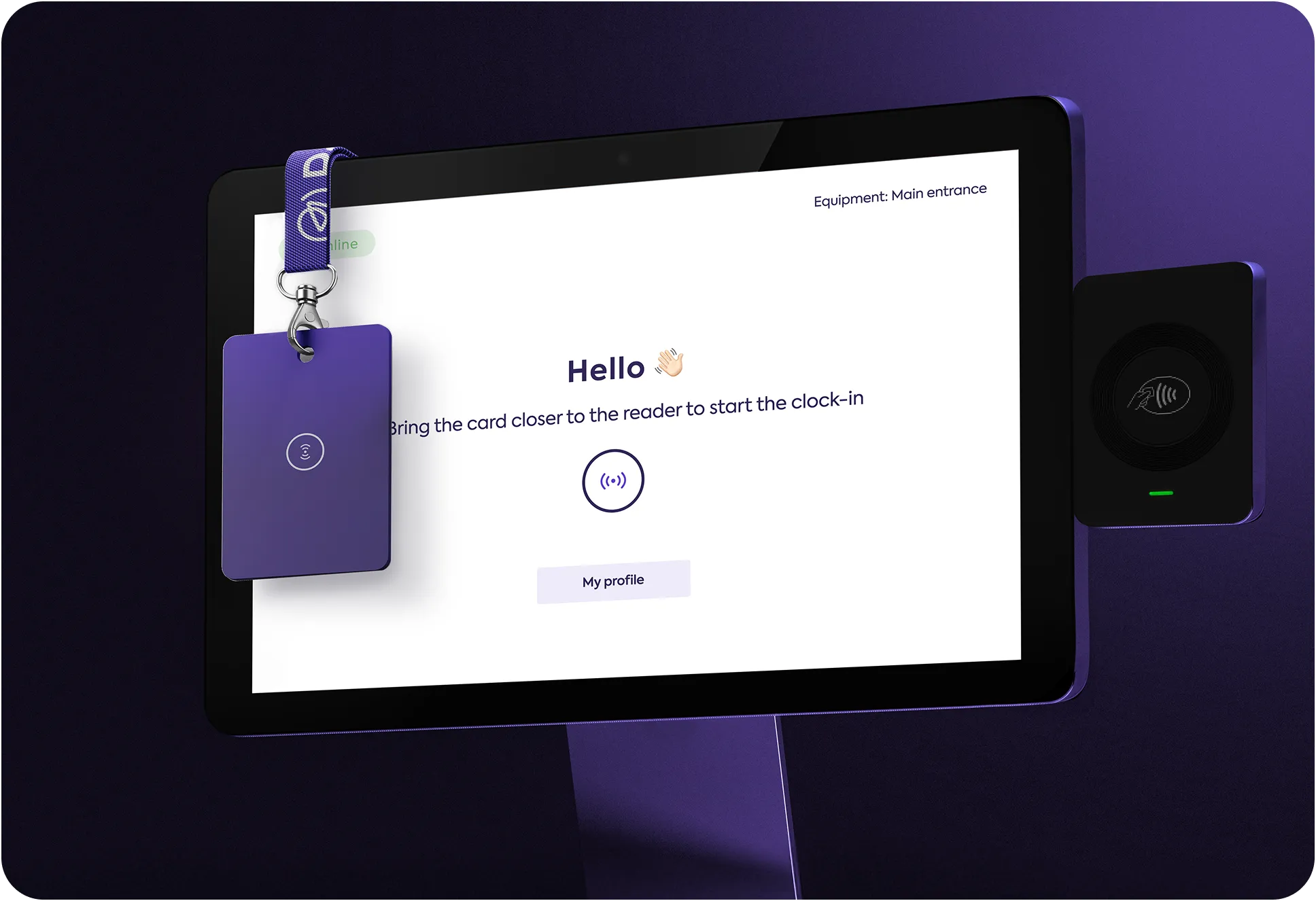
Below you will find the implementation instructions for the Papervee Hub device, from receiving the device to completing its integration with the Papervee platform.
1
The Papervee Hub package arrives to you
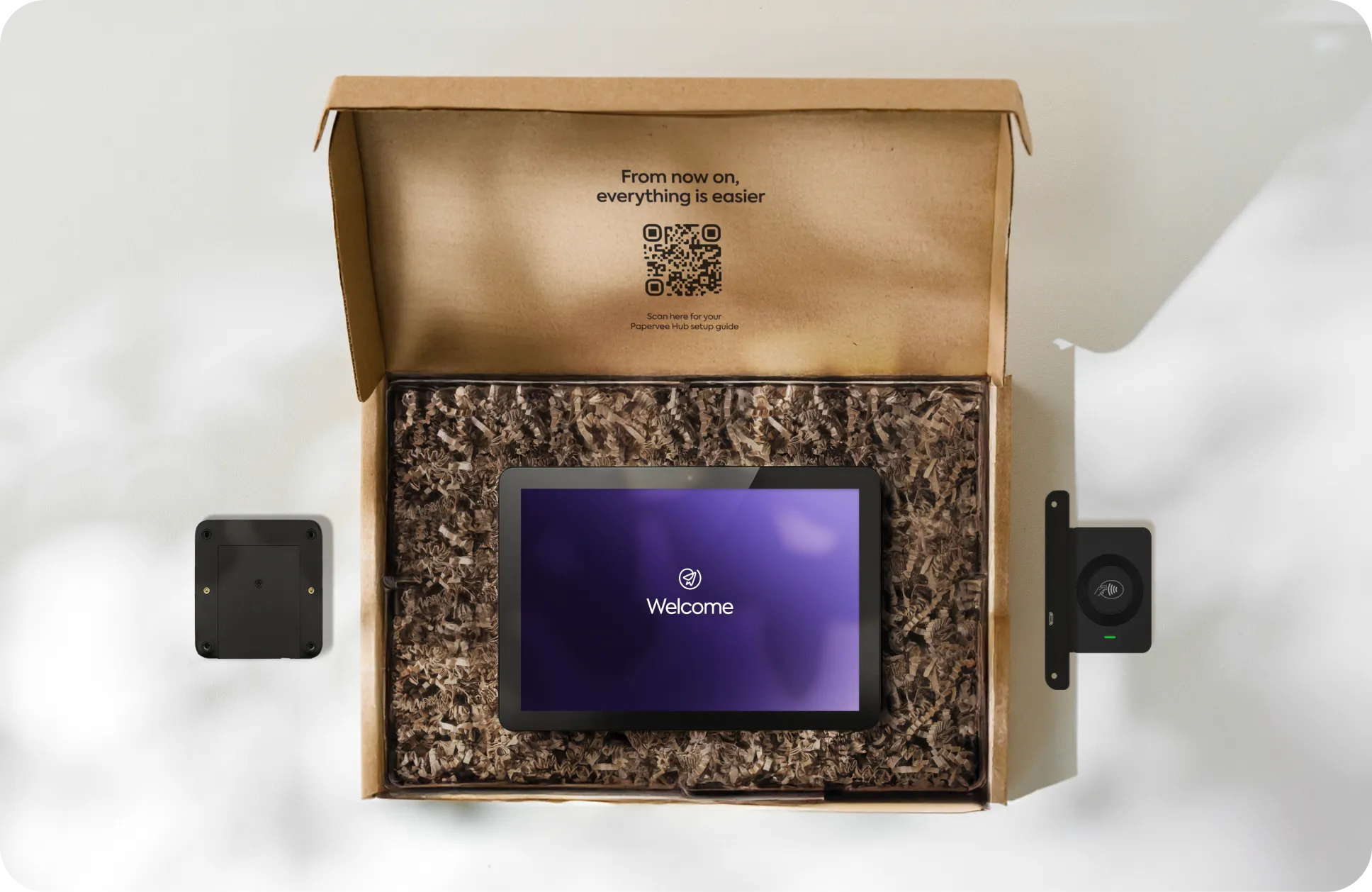
Elo I-Series 4 Tablet
Elo Edge Connect card reader (integrated in the tablet)
Requested cards for your employees
Wall mounting kit
2
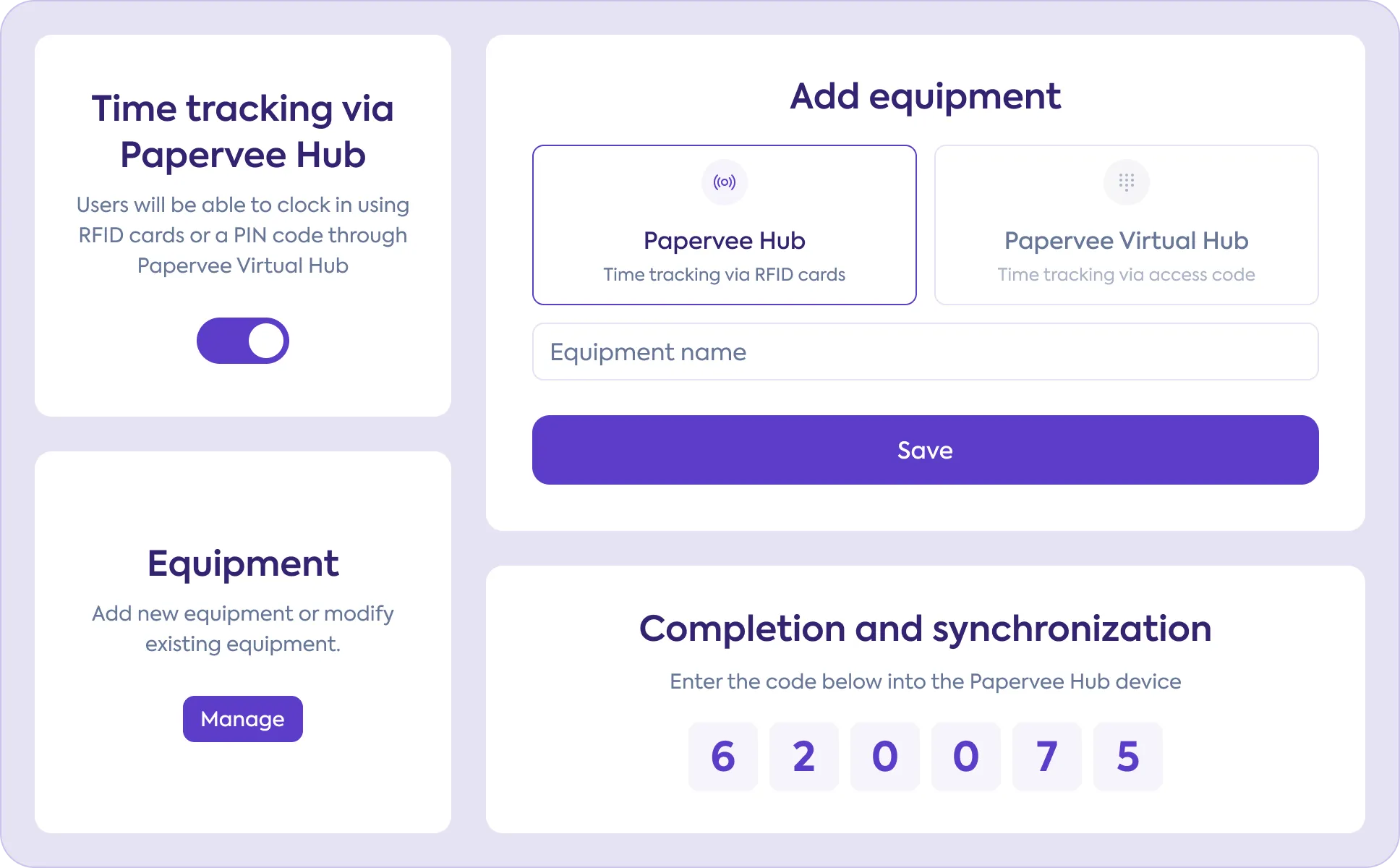
Add the device to your Papervee account
To add and synchronize the device in your Papervee account, navigate in the Papervee platform to Settings > Papervee Hub and enable time tracking via Papervee Hub. You can add the device using the “Manage devices” button.
3
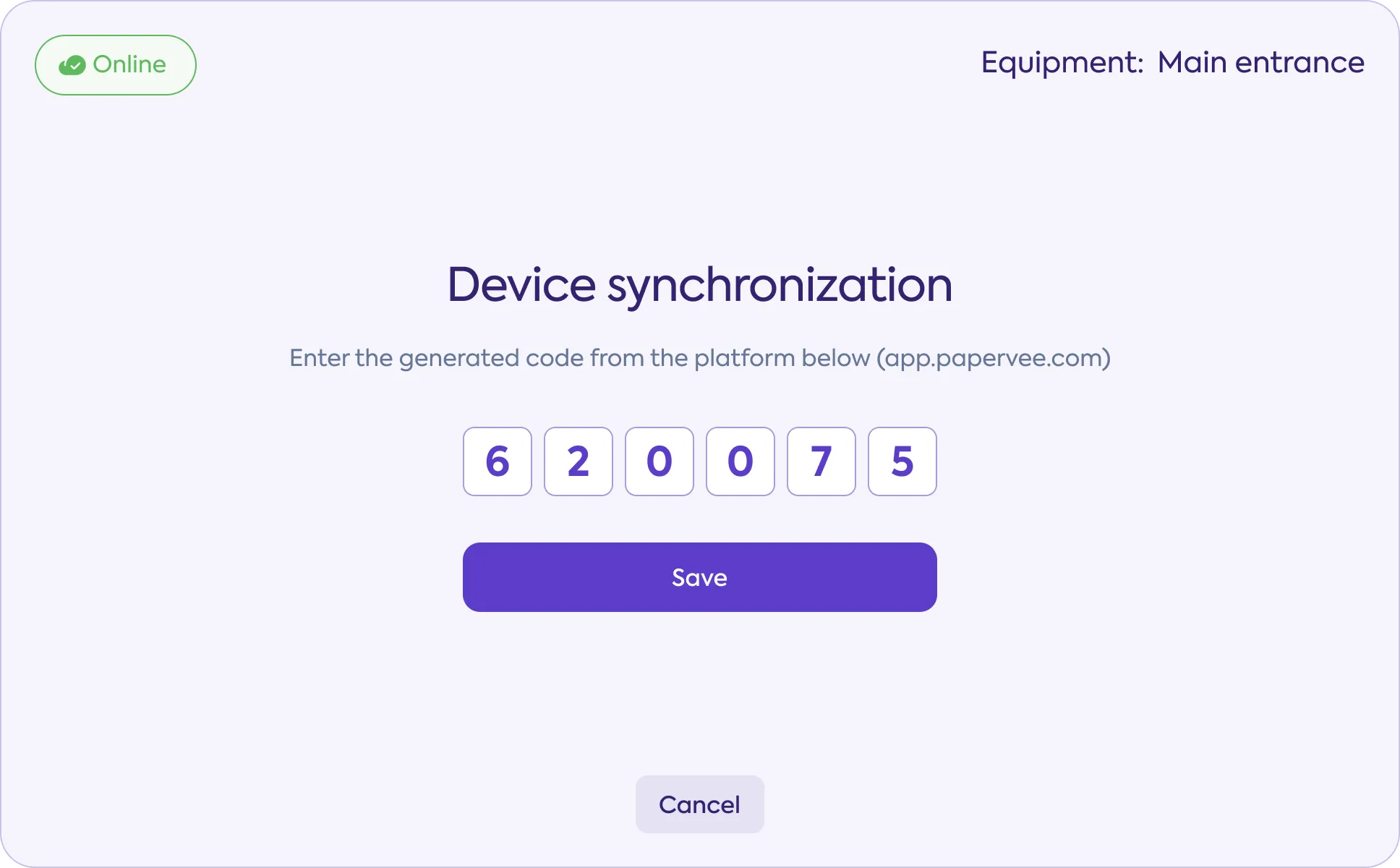
Complete the setup using the tablet
Select the synchronization option displayed on the Papervee Hub device to complete the setup process.
4
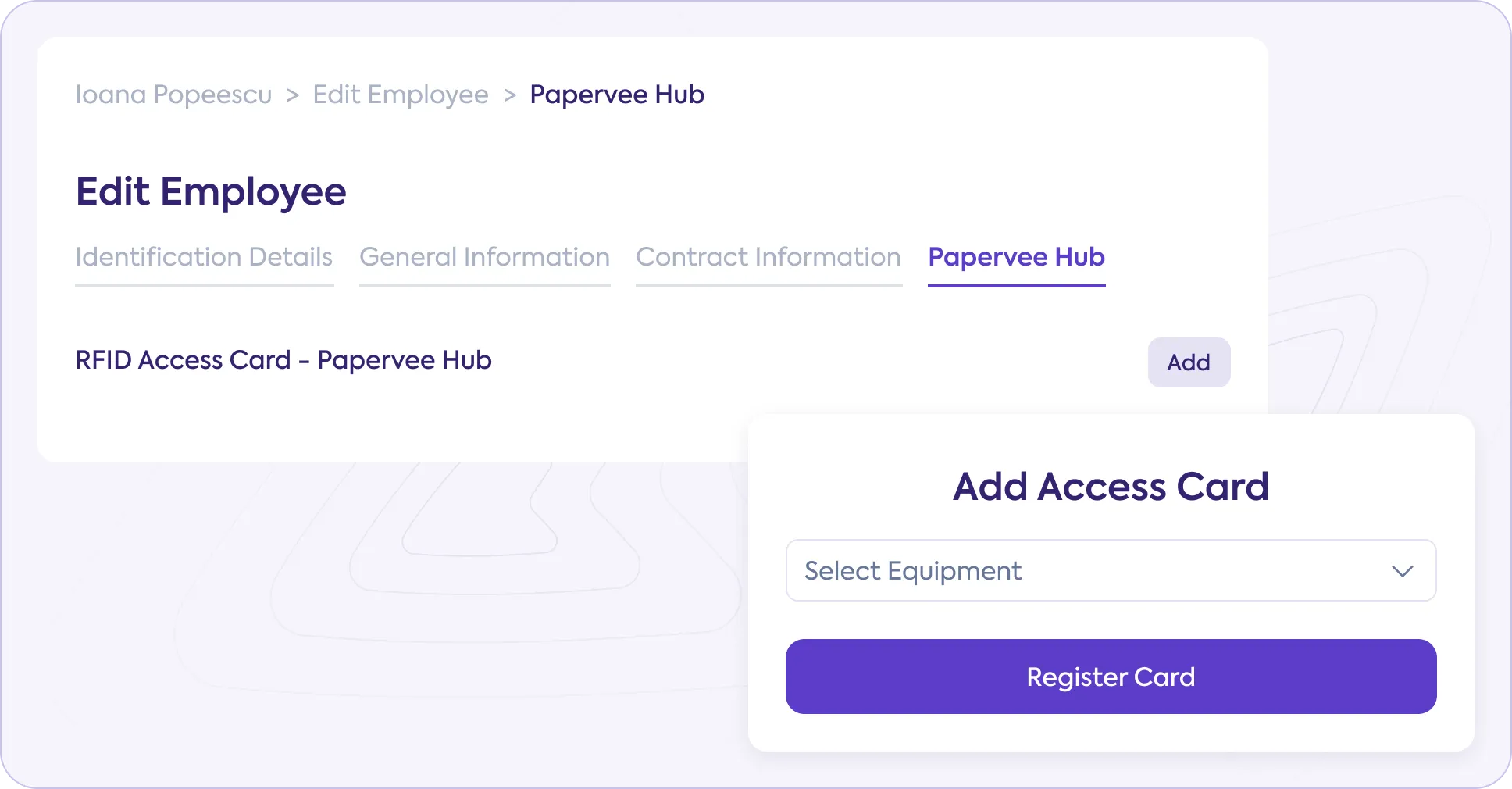
Add a card for each employee
To register your employees’ cards, go to the Papervee platform (left menu) and navigate to Employees > Edit employee > Papervee Hub, then click the Add button.
5
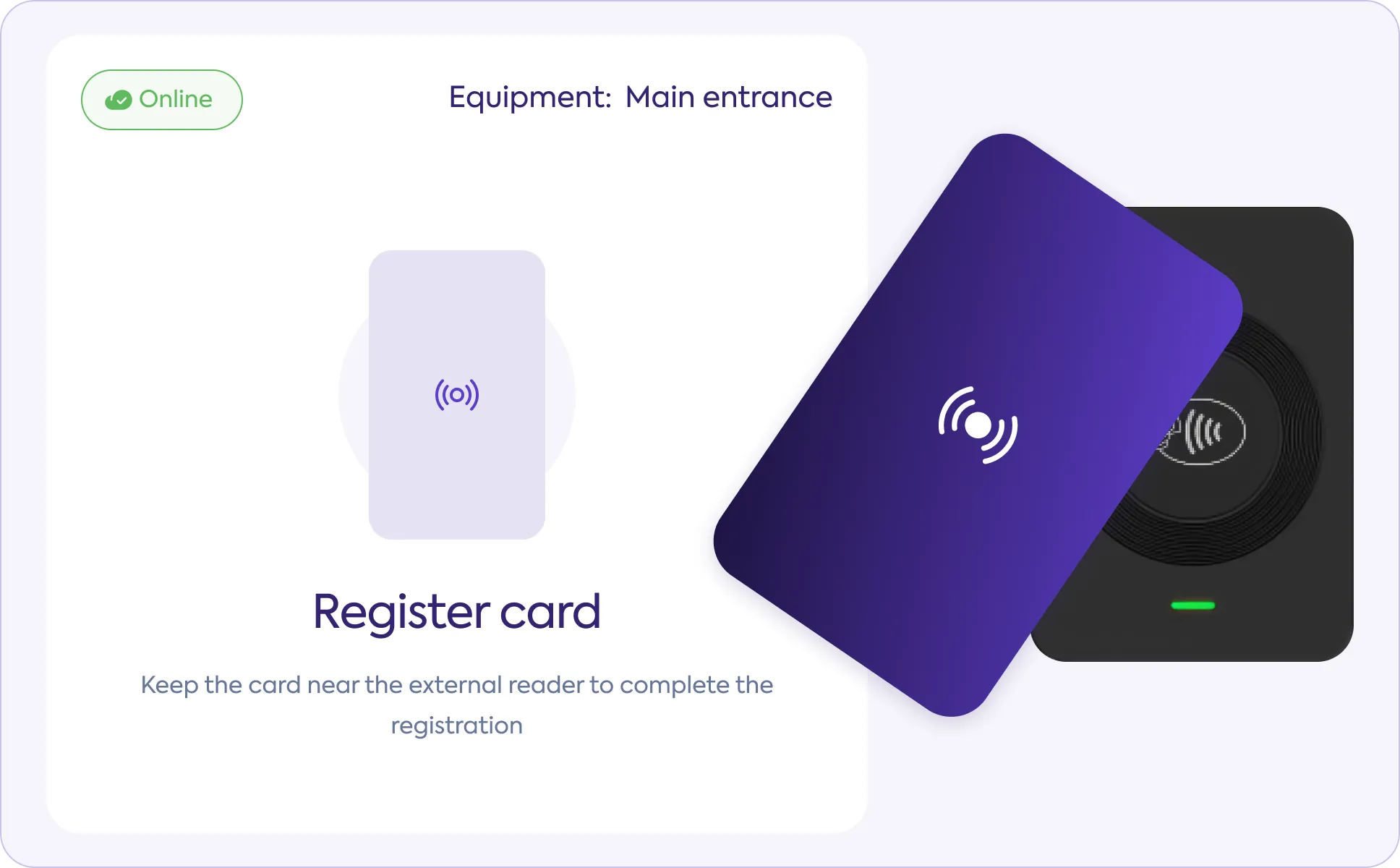
Complete the card synchronization
To complete the addition of the card for the selected employee, hold the card near the external reader next to the tablet for 5 seconds.
Convenient for the entire team.
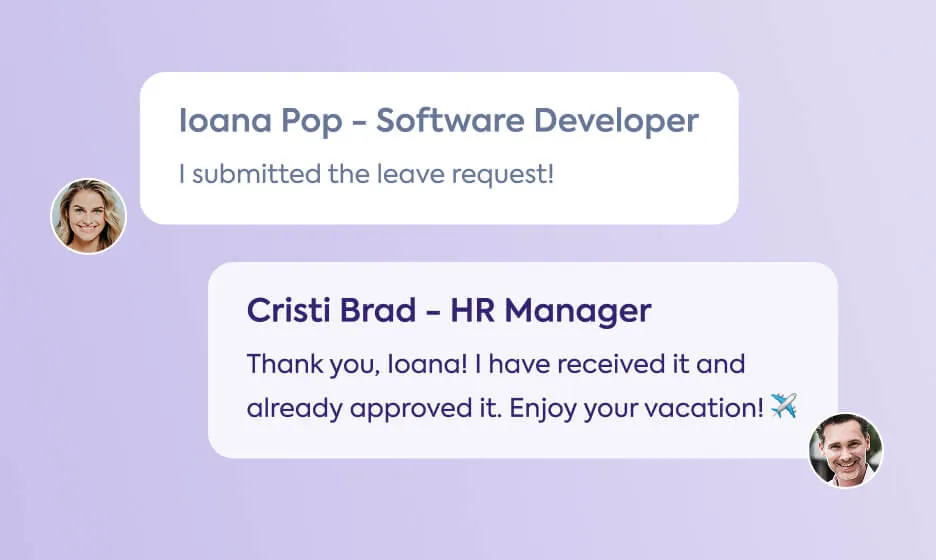
Efficient Communication
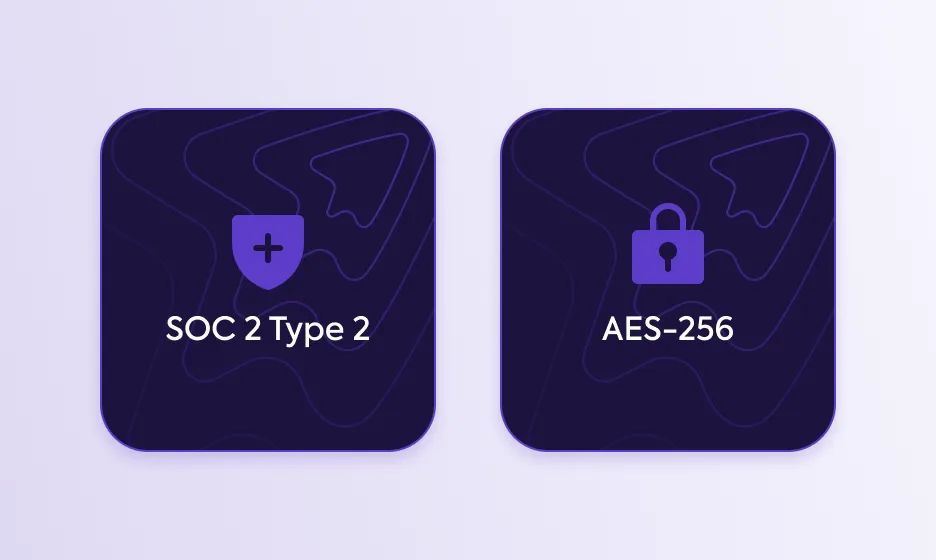
Your data, securely stored
Mobile App available



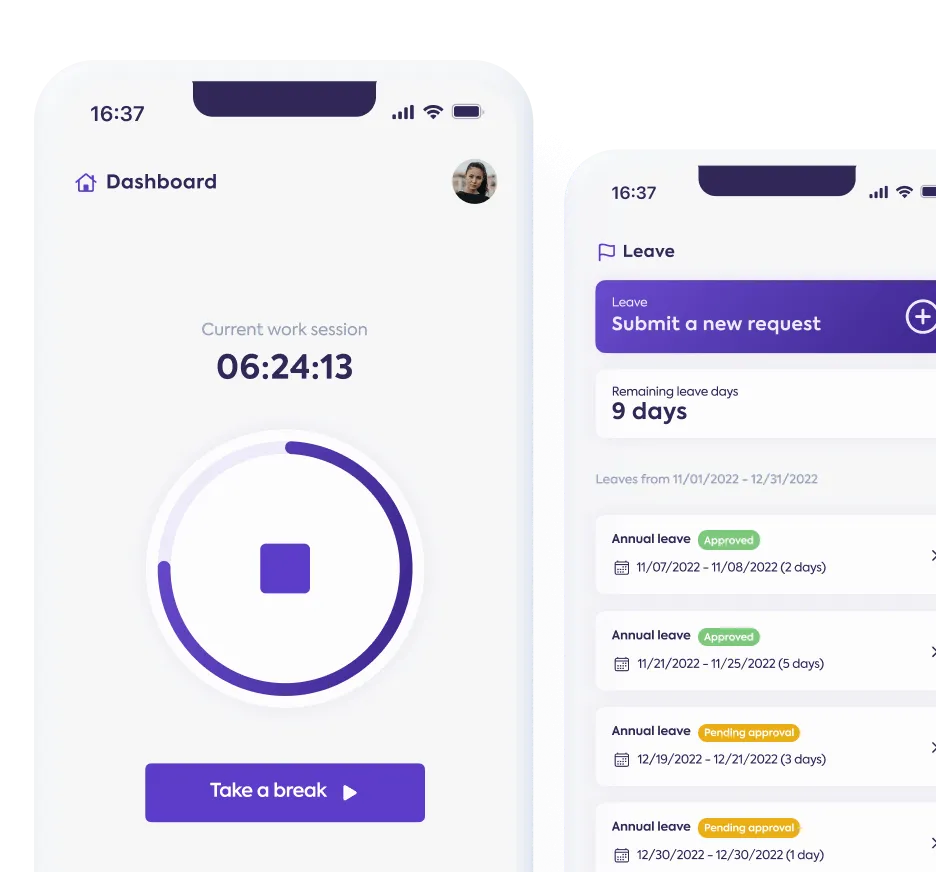
Here's how Papervee helps you.
Access Papervee from anywhere